 TRADING
Sign in
TRADING
Sign in
GTS Marketplace
Precision tools for disciplined traders.
Checking your account…
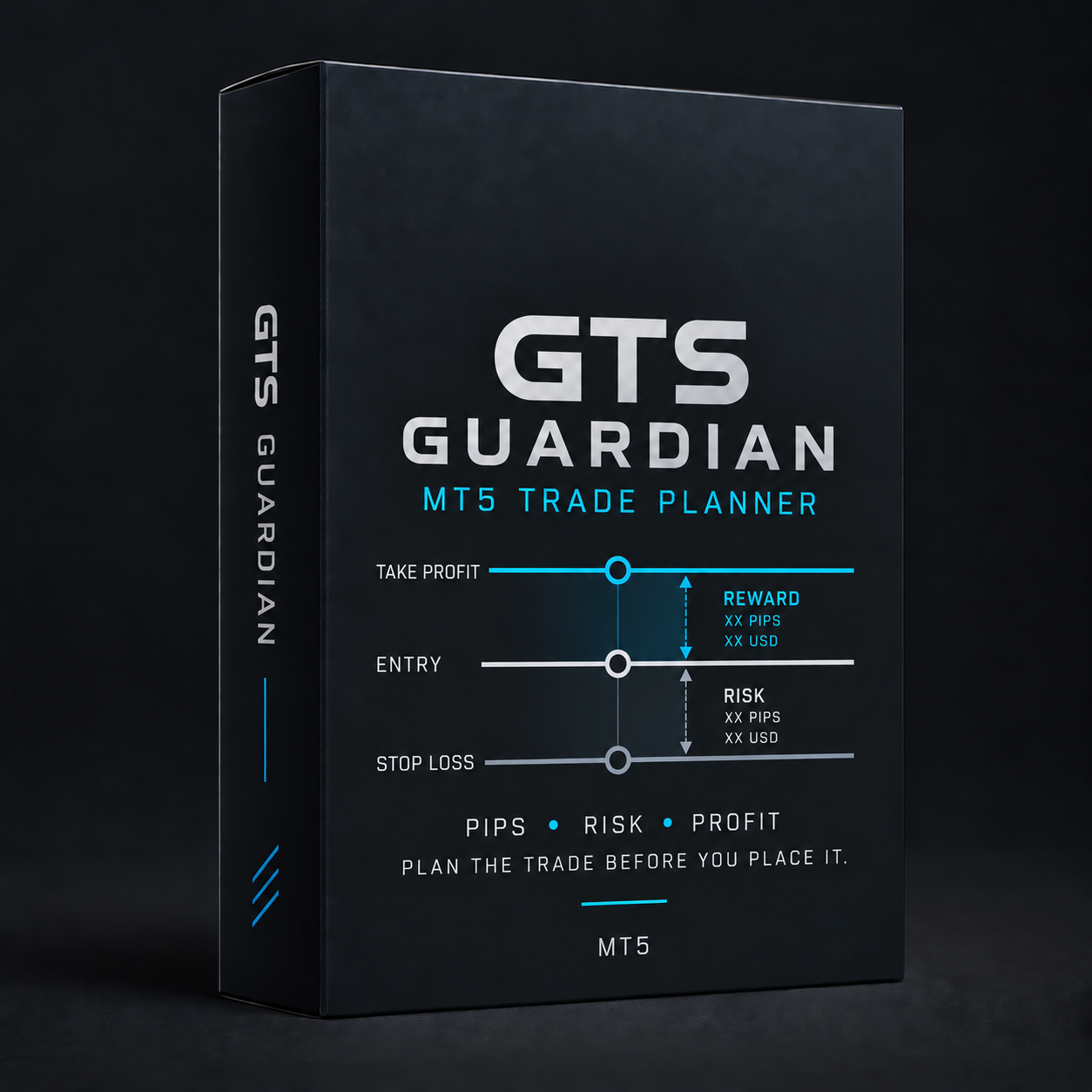
GTS GUARDIAN
MT5 Trade Planner
Plan every trade with precision. Define your entry, stop loss and take profit before you place the trade. Stay disciplined. Trade with clarity.
- Draggable Entry, Stop Loss and Take Profit lines on the chart
- Pips, monetary risk and projected profit, calculated live
- Risk-to-reward ratio and required margin
Sign in required.
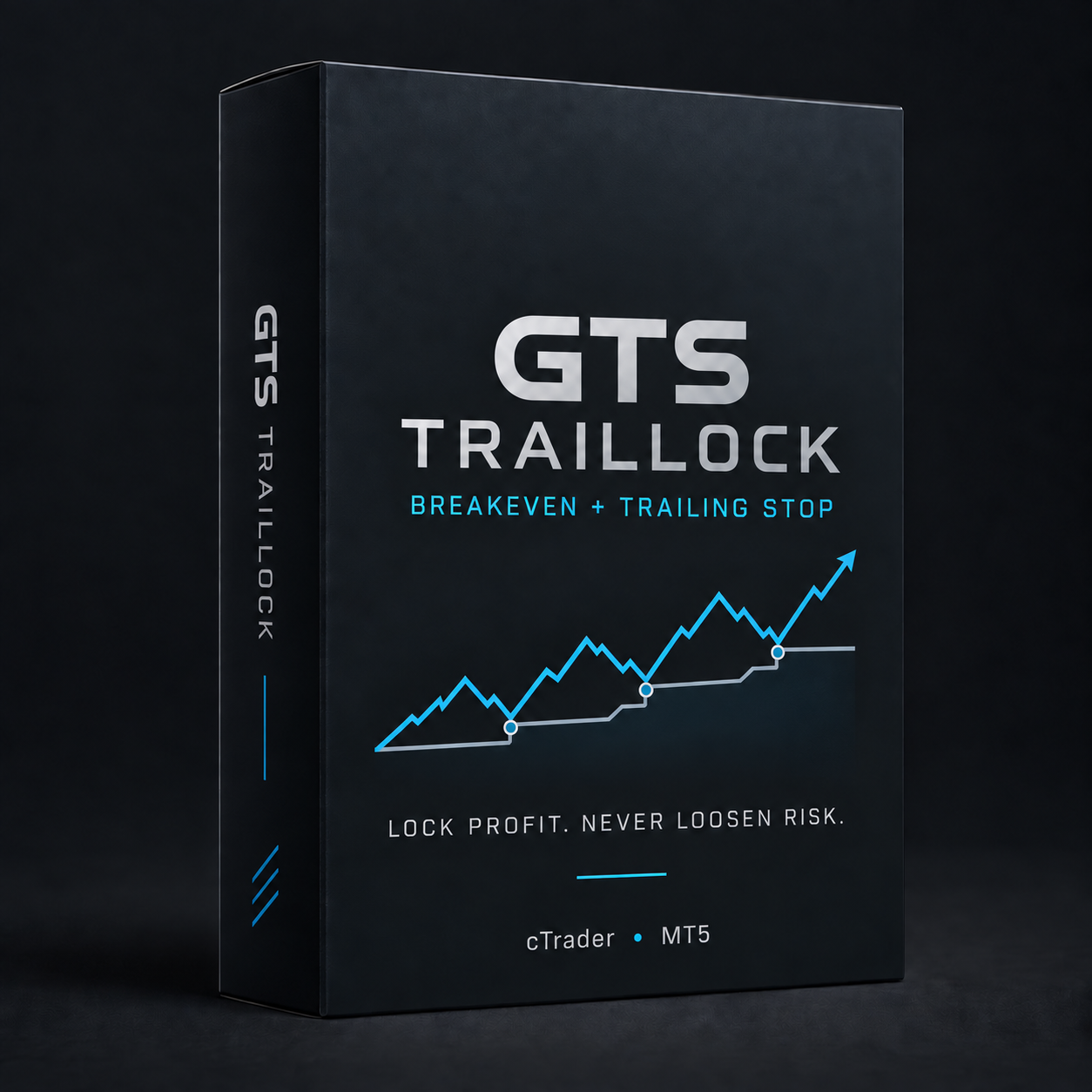
GTS TRAILLOCK
Breakeven + Trailing Stop
Automatically move to breakeven and trail your stop with ease. Lock in profit, manage risk, and stay in the trade longer with confidence.
- Moves to breakeven after your configured profit distance
- Trails the stop behind favourable price movement, never backwards
- Respects broker minimum stop distance and freeze levels
Sign in required.
GTS GUARDIAN
Account & Rule Protector
Monitor your account against your own trading rules, and enforce only what you explicitly turn on — daily loss caps, trade limits and consecutive-loss lockouts.
- Daily and weekly loss caps, with a step-down warning
- Maximum trades per day and consecutive-loss lockout
- Shadow mode by default — observes before it ever enforces
Private beta access is limited to approved GTS testers.
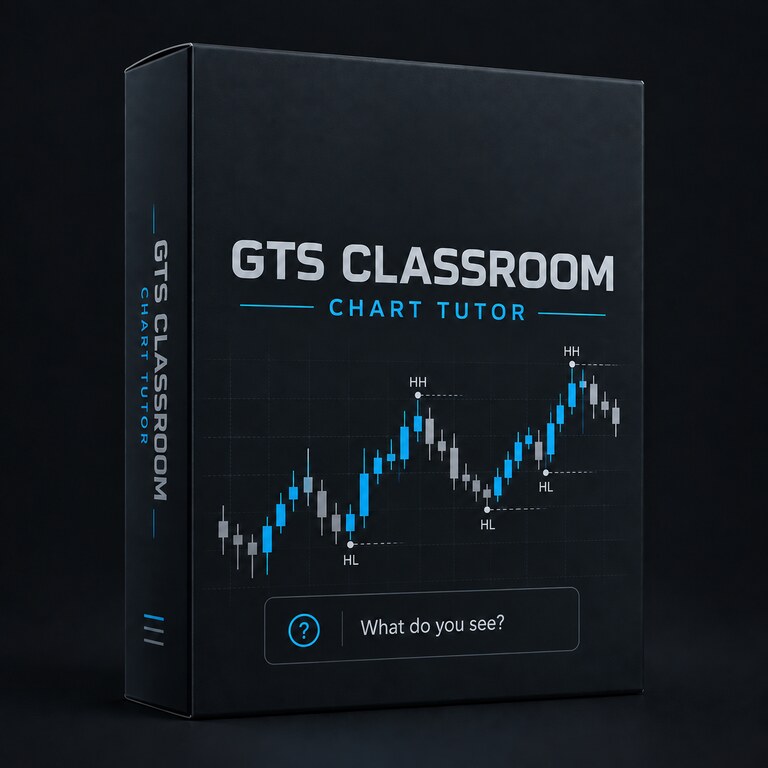
GTS CLASSROOM
Chart Tutor
Turn your own cTrader chart into an interactive lesson. Chart Tutor observes completed candles, asks what you recognise, then explains the structure or pattern using the same definitions taught in GTS Classroom.
- HH, HL, LH, LL, trend, range, BOS, potential CHoCH and support/resistance retests
- Doji, Hammer, Shooting Star, Engulfing, Inside/Outside Bars, Star patterns, Soldiers/Crows and Tweezers
- Questions are graded after candle close, with forming candles clearly separated from confirmed observations
- Read-only by design: it never opens, closes or modifies a trade
Course companion for Windows and Mac cTrader Desktop. Build the source in cTrader Algo and test it on a demo chart first.
Frequently asked questions
Do I need an active GTS subscription?
No — a subscription gives you access to available GTS tools at no extra cost, but each one will also be available as a one-time purchase on its own.
Is Chart Tutor a trading signal?
No. It is a read-only GTS Classroom companion. It asks recognition questions and explains rule-based observations after candles close. It never places or manages trades.
Which platforms are supported?
MT5 and cTrader only. GTS does not build or support MT4.
Can I buy a product without a subscription?
Yes, once purchasing is live. During private beta, approved testers can install the compiled cTrader Guardian at no charge. Chart Tutor is available as a source beta alongside GTS Classroom. Other public purchasing remains unavailable until the tools are ready.